

Professional quotes
Quotes and invoices
Send quotes customers can accept online — and get paid faster.
Create professional itemised quotes in Sitebear Portal, let customers accept or decline them in Customer Hub, turn agreed work into invoices and take payment without the usual chasing.
From quote to payment
Move from quote to payment without the chasing.
- Prepare01 — Build the quoteSet out the work, line items, prices, VAT and any deposit in a branded quote that's easy to understand.
- Send02 — Put it in Customer HubYour customer gets one clear place to review the scope, price and any deposit before deciding.
- Decide03 — Get a clear yes or noYour customer can accept or decline online. The decision stays against the quote, and Sitebear alerts you on your phone when they decide.
- Invoice04 — Turn it into the invoiceUse the agreed quote as the starting point, credit any deposit already paid and show the due date and remaining balance.
- Pay05 — Make payment easyTake payment through Stripe, show bank-transfer details or give pay-in-person instructions, with paid and outstanding amounts kept clear.
Clearer paperwork, faster decisions
Make every number and next step easy to understand.
A good quote does more than show a total. It gives the customer enough detail to decide, then keeps the agreed price, deposit and balance clear right through to payment.

Deposits and balances
Keep paid and outstanding amounts clear.
Deposit credit carries into the invoiceAsk for a deposit on the quote, take it through Stripe and carry that payment into the invoice. The customer can see what they've already paid and what remains due.Status and alerts
Know when the customer has decided or paid.
Customer Hub, Portal and phone notificationsQuote decisions and invoice payments stay with the job in Sitebear. Check the current status in Portal and get a phone alert when an important change needs your attention.
Customer story
See the full journey with Tyneside Handyman.
Quote-led handyman workTyneside uses Sitebear to move from detailed job information to a formal quote, customer acceptance, invoice and payment, with the customer handling their side through Customer Hub.Read the Tyneside Handyman story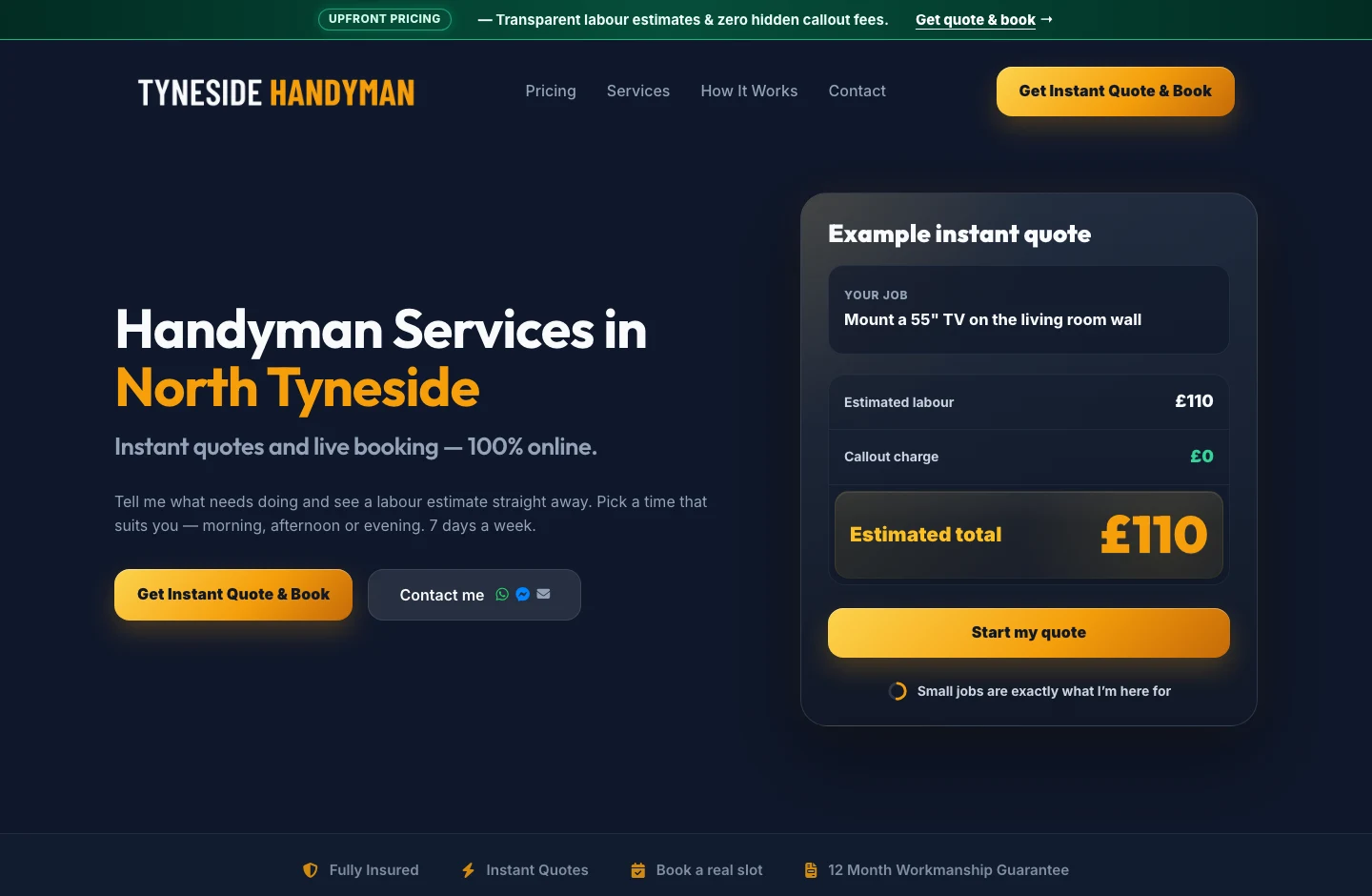


Questions about quotes and invoices
Which packages include quotes and invoices?
Quotes, invoices and Customer Hub are included with Sitebear Growth and Growth Pro. See Pricing for the full package comparison.
Can customers accept or decline a quote online?
Yes. Your customer can review the proposed work and price in Customer Hub, then accept or decline the quote online.
Can I take a deposit on a quote?
Yes. Add a deposit requirement to the quote and your customer can pay the deposit through Stripe.
Can an accepted quote become an invoice?
Yes. Use the agreed quote as the basis for the invoice, including credit for a deposit that's already been paid.
How can customers pay, and does Sitebear take commission?
Customers can pay through Stripe, use your bank-transfer details or follow your pay-in-person instructions. Sitebear doesn't add payment commission or markup; Stripe's normal processing fees still apply.
Can I set an invoice due date and see what's still outstanding?
Yes. Set the due date and keep the paid amount, outstanding balance and payment status clear for you and your customer.
Can I download quotes and invoices?
Yes. Sitebear can generate quotes and invoices as PDFs, so you and your customer can keep a copy outside Customer Hub.
Is a Quote & Book estimate the same as a formal quote?
No. Quote & Book gives the customer an initial estimate before you review the job. You can then send a formal quote through Sitebear when you're ready to propose the final work and price.
Does Sitebear replace accounting software?
No. Sitebear handles the customer-facing quote, invoice and payment process. It isn't a full accounting replacement.
Quotes and invoices
Get decisions sooner and spend less time chasing payment.
Tell us how you quote, take deposits and invoice customers now. We'll show you how Sitebear keeps the quote, customer decision, invoice and payment together.



- Quote Sent
- Decision Accepted
- Invoice Balance due
- Payment Received