
Projects and services
Sitebear for landscaping and garden design
A landscaping website built to win more local work
Sitebear builds and looks after your website, helps you rank higher locally and sends new enquiries to the Sitebear app. From consultation requests to quotes and payments, the next steps stay easier to manage.
Built around the work you want more of
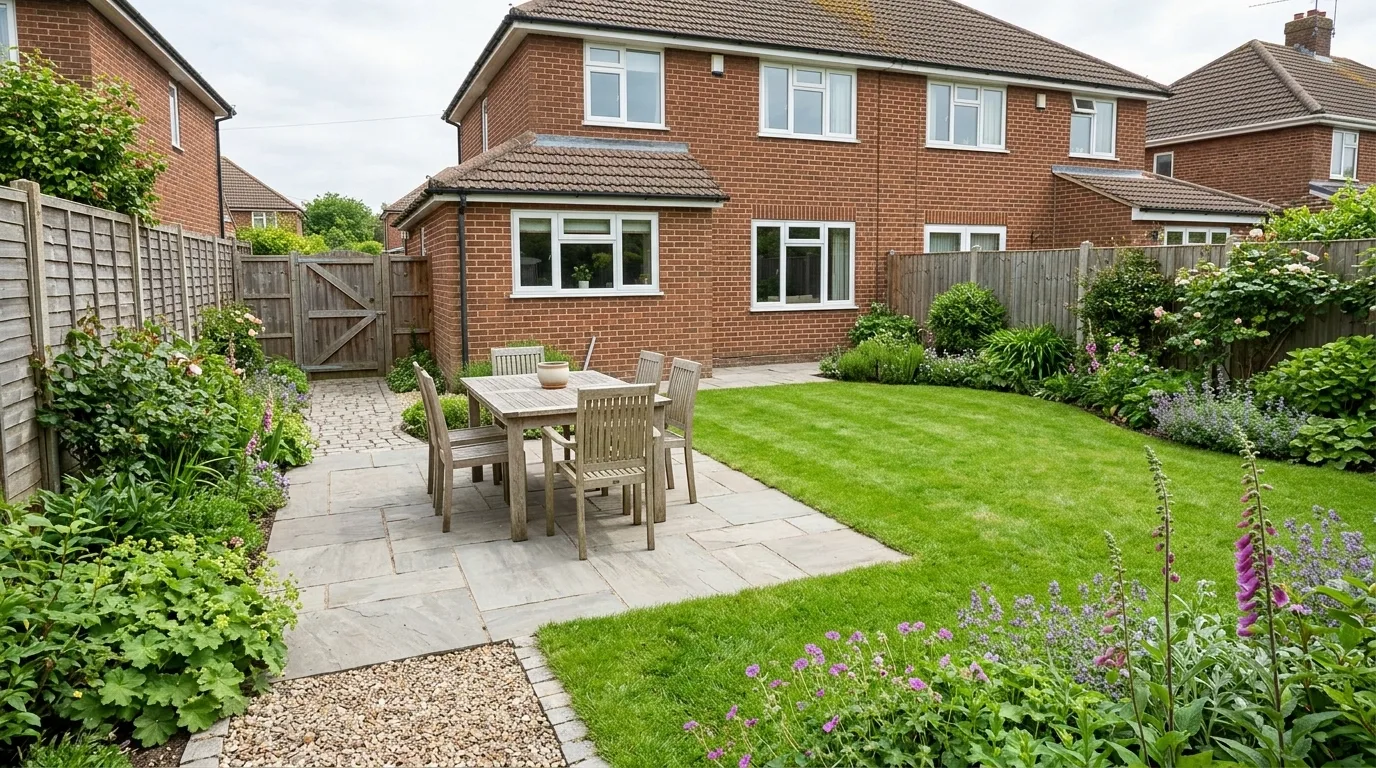
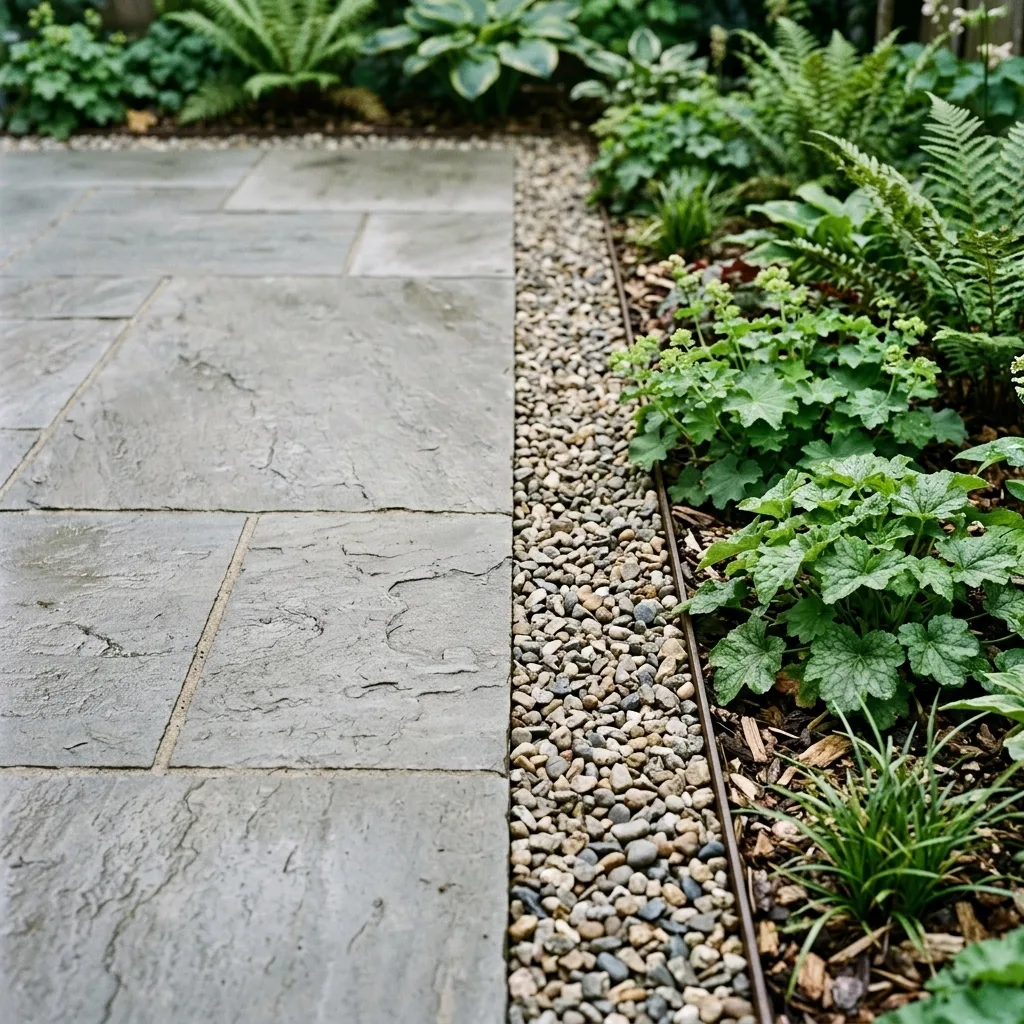
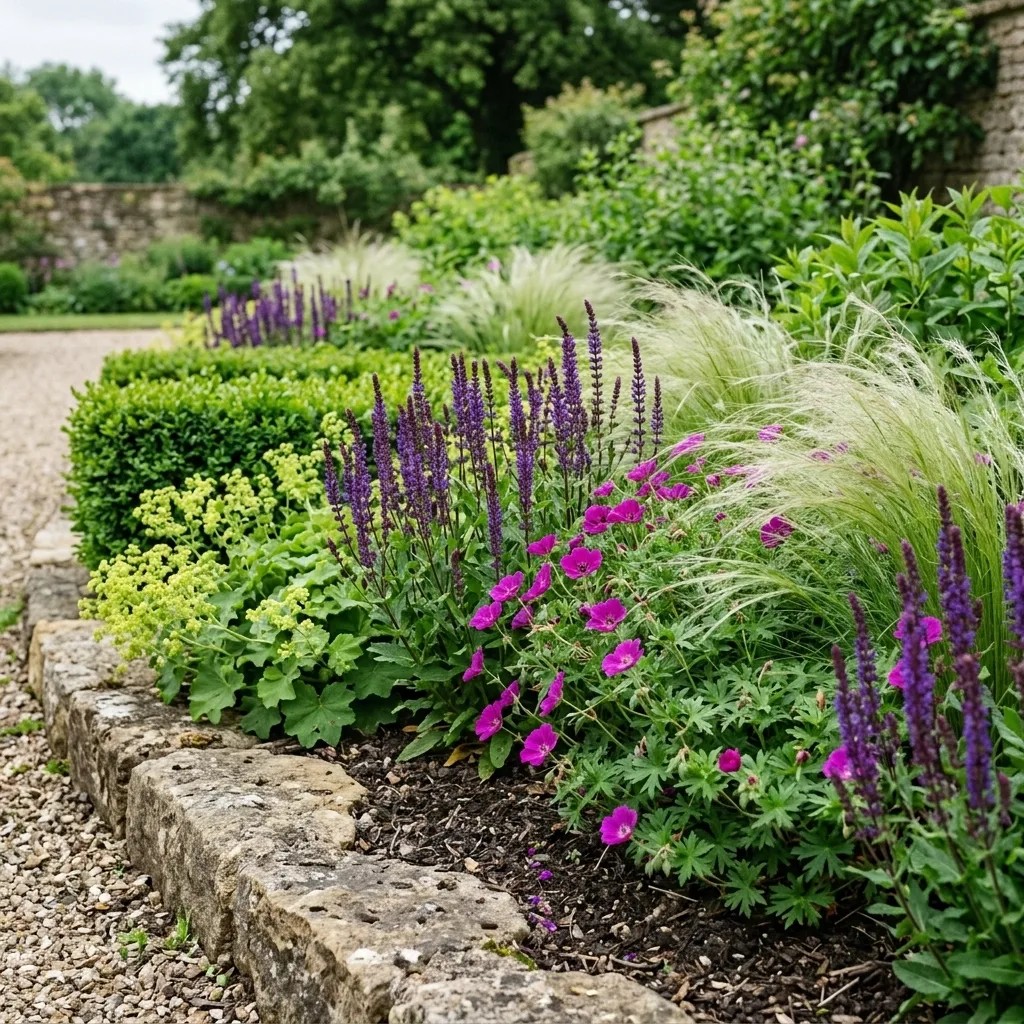
Show great gardens. Bring in better enquiries.
Customers need to see the standard of your work, understand the services you offer and feel confident that you can handle their project. Sitebear helps the website do all three.
Local visibility
Rank higher for the landscaping work you want
SEO and Google Business ProfileSitebear builds pages around your priority services and the areas you cover, improves your Google Business Profile and helps turn more local searches into enquiries.
Better enquiries
Know what the customer wants before you call back
Tailored enquiry questions and phone notificationsAsk about the type of project, garden size, access and preferred timing. The answers arrive in the Sitebear app, and a phone notification means you can pick up a promising enquiry while you’re out working. Home
Home

Analytics and briefings
See what is bringing in interest — and what needs attention
Website analytics and Business BriefingsWebsite analytics show which services and pages attract engaged visitors, where they came from and what they did. Daily, weekly and monthly Business Briefings bring enquiries, quote decisions, payments and outstanding actions into a quick summary on your phone.Website updates
Keep recent projects and seasonal services up to date
Support & UpdatesSend Sitebear new project photos, service changes, offers or other normal website updates through the app. We’ll make the changes, so you can keep the website current without editing it yourself or chasing a developer.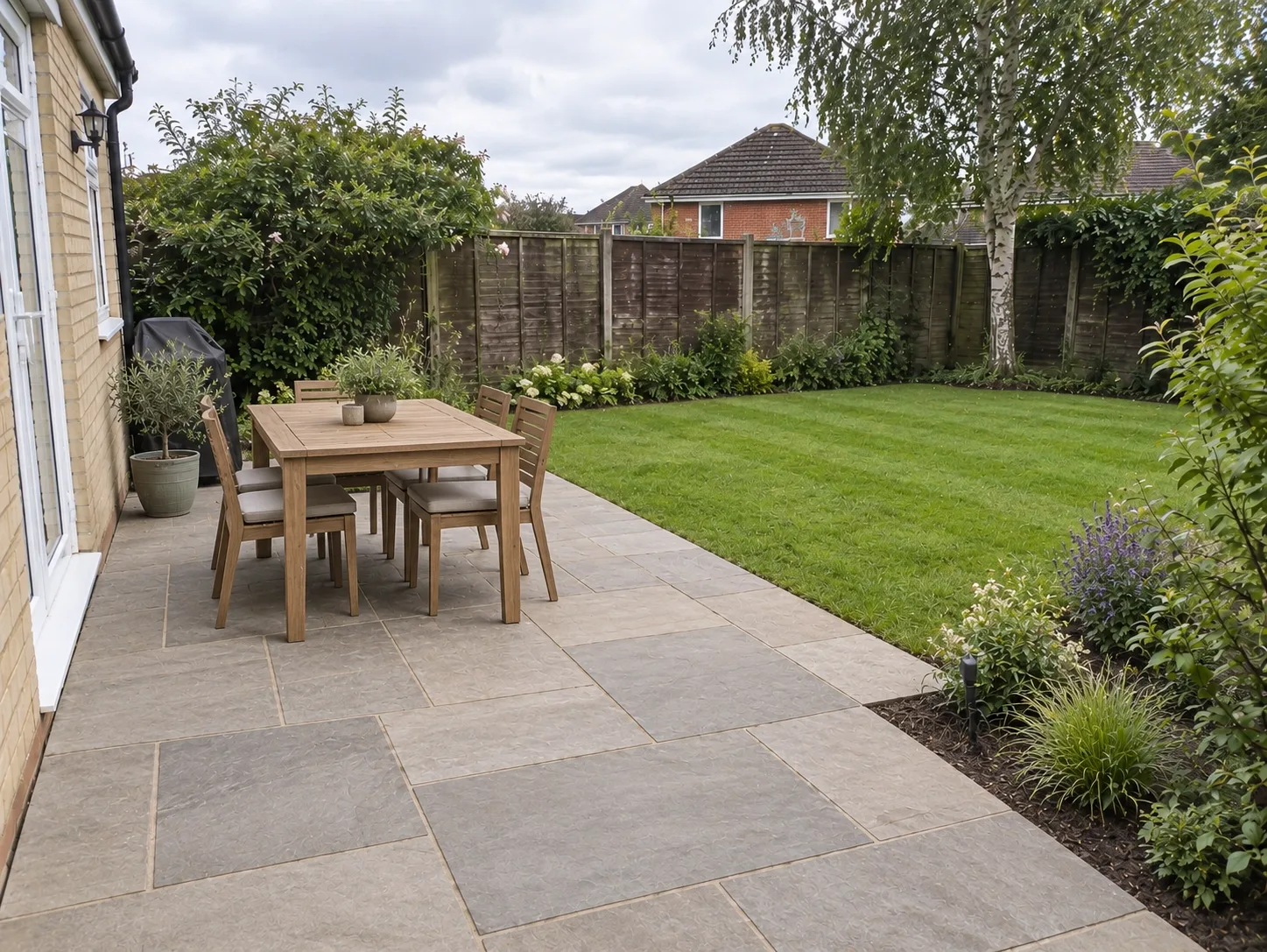
Website example
See Northbank Landscapes.
Garden inspiration, practical services and straightforward enquiries.Visit Northbank Landscapes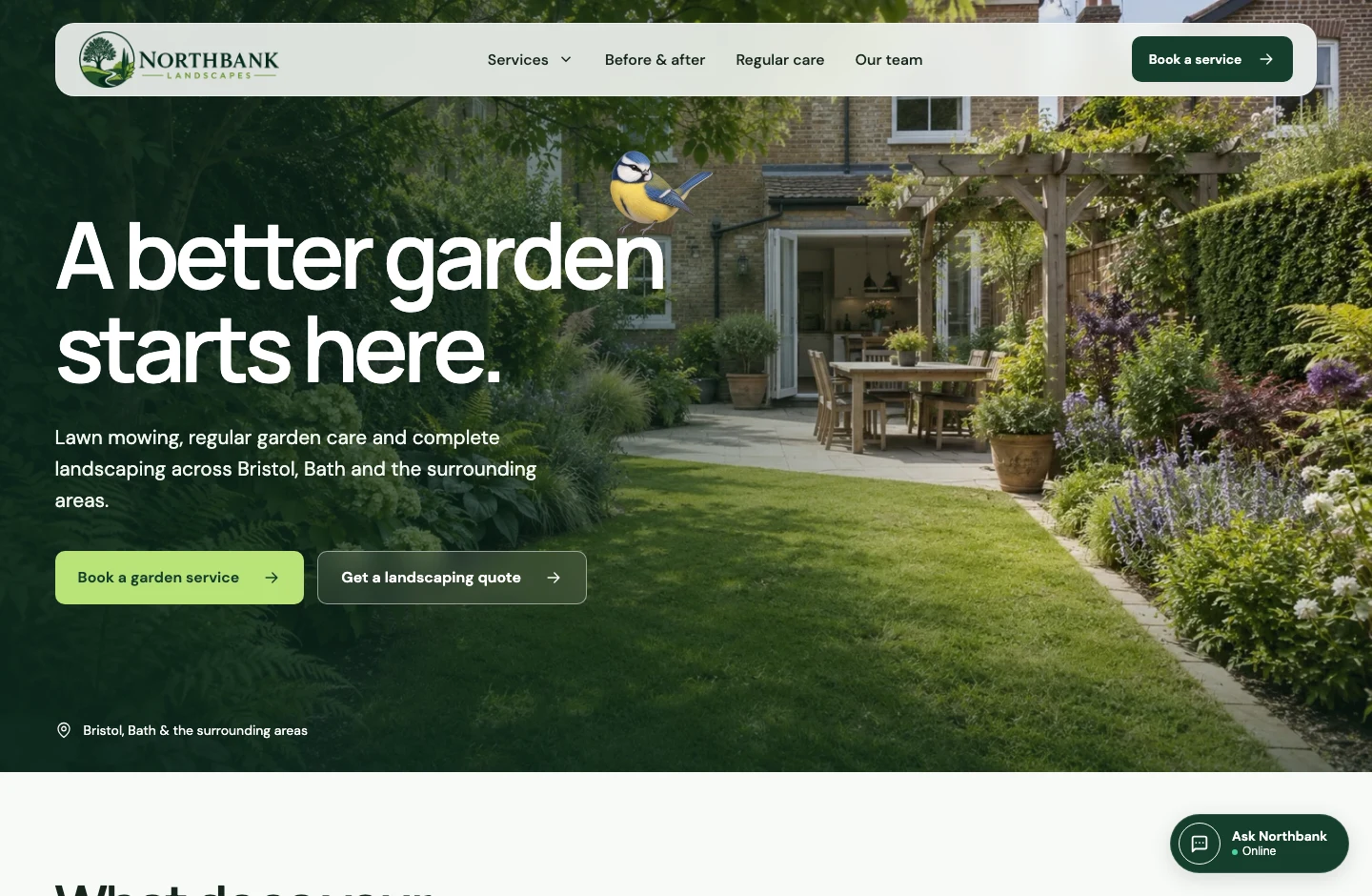
9:41
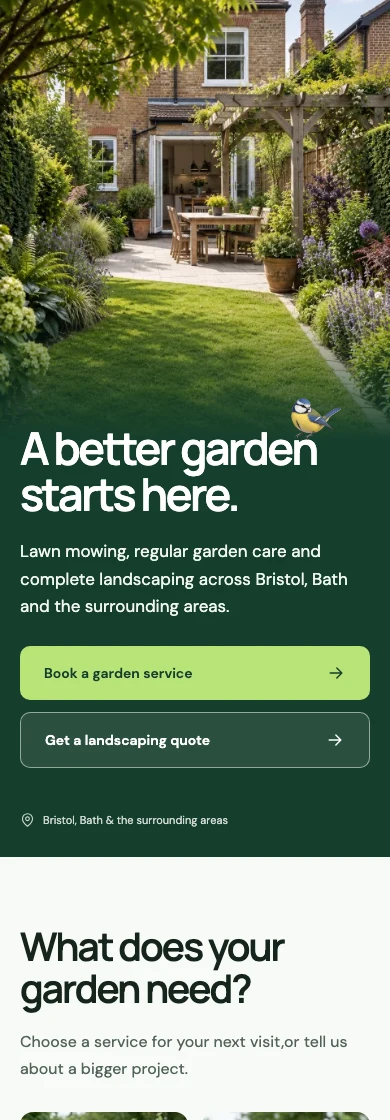

aAnorthbank-landscapes↻
After the enquiry
Keep the project moving without the chasing
- Consultation01 — Let customers request a site visitCustomers choose a preferred time for a call, consultation or site visit. You can accept, change or decline the Booking Request before anything is confirmed.
- Quote02 — Send a clear itemised quoteSet out the work and price in Sitebear Portal, then publish the quote to Customer Hub so your customer can review, accept or decline it.
- Deposit03 — Get a deposit before work beginsTake a quote deposit through Stripe and keep the paid and outstanding amounts clear for you and the customer.
- Messages and files04 — Keep plans, photos and questions togetherUse Customer Hub for two-way messages, reference images and documents, so project details are easier to find than across scattered texts and emails.
- Invoice05 — Invoice the balance and get paid fasterTurn agreed work into an invoice, show what has already been paid and let the customer pay online or use your bank-transfer or pay-in-person details.
- Reviews and repeat work06 — Turn finished work into reviews and repeat jobsSend a review request after the project and make it easy for customers to come back for maintenance or another piece of work.

Questions from landscapers and garden designers
Can customers send photos of their garden with an enquiry?
Standard website enquiry forms don’t include photo uploads. Once you’re in touch, customers can send photos and documents through Customer Hub.
Can customers request a consultation or site visit?
Yes. Booking Requests let customers choose a preferred time, and you can accept, change or decline the request before it is confirmed.
Can I take deposits and send invoices?
Yes. You can send itemised quotes, take quote deposits through Stripe, turn agreed work into invoices and show Stripe, bank-transfer or pay-in-person payment options. Stripe’s processing fees apply; Sitebear adds no payment markup.
Can I send plans and documents to the customer?
Yes. Customer Hub supports two-way messages, images and document attachments, so plans, references and project questions can stay with the customer instead of being scattered across messages.
Can the same website cover garden maintenance?
Yes. A larger landscaping project can start with an enquiry or consultation, while repeat maintenance can use a simpler Booking Request or paid booking.
Will Sitebear add new project photos later?
Yes. Send new images or content through Support & Updates in the app. Unlimited standard website updates cover normal changes to photos, services, wording, prices, offers and similar website content.
Does Sitebear help with local Google visibility?
Yes. Sitebear works on your service pages, local relevance and Google Business Profile to help you rank higher for relevant local searches and turn more Google searches into enquiries.
Which Sitebear package suits a landscaping business?
Sitebear Website gives you the managed website, enquiries, app, SEO, analytics, Business Briefings, phone notifications and ongoing updates. Growth adds Booking Requests, Customer Hub, quotes, invoices, payments, reviews and customer communication. Growth Pro adds paid bookings, full Customer history, Email Campaigns and the AI Chatbot. See Pricing for the full comparison.
Sitebear for landscaping and garden design
Turn great garden projects into more local work
Tell us what you design, build or maintain, where you work and how you want customers to get in touch. We’ll recommend the Sitebear setup that fits your business.Website updates included.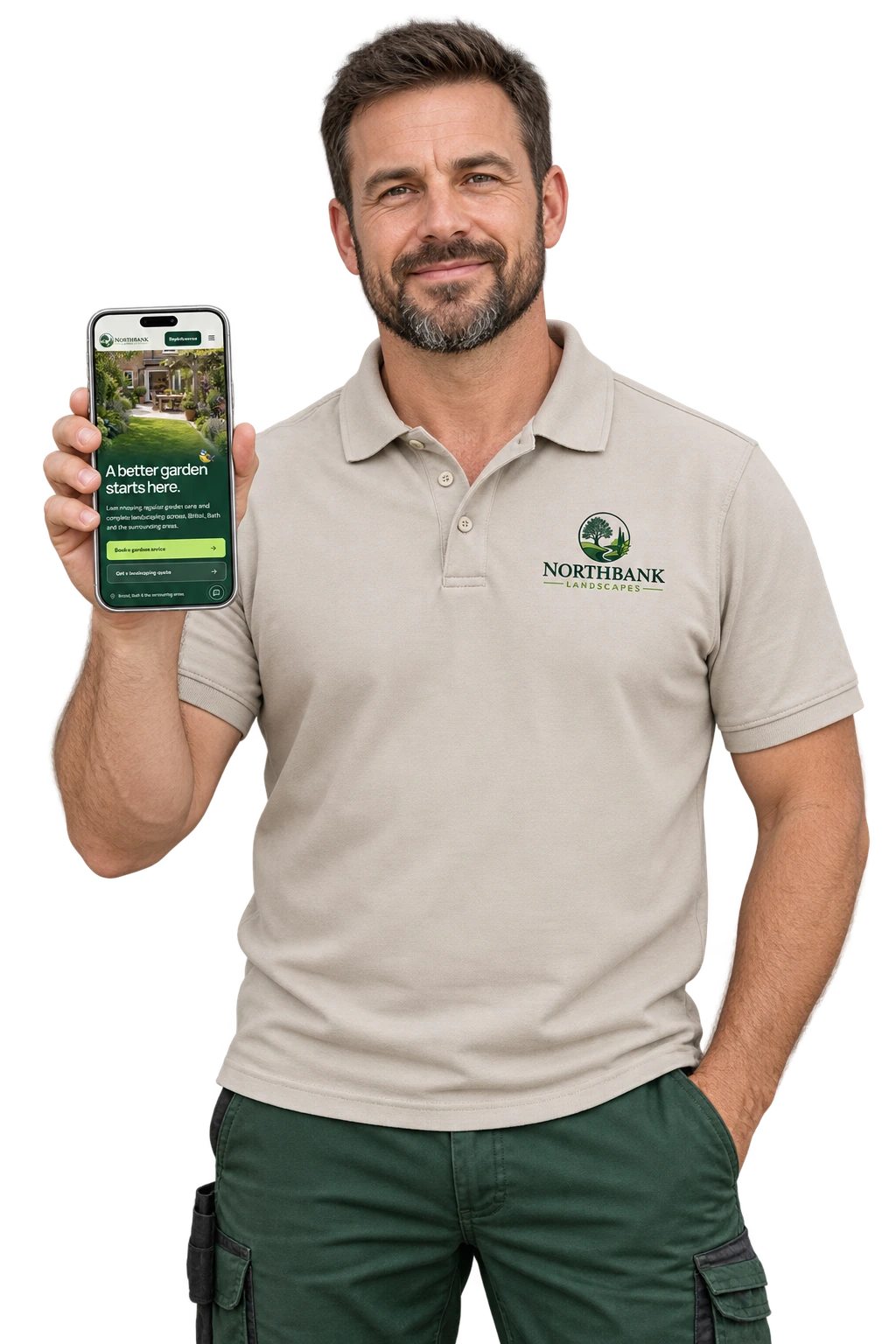





- Project seen Enquiry sent
- Site visit Booking confirmed
- Quote accepted Deposit paid
- Project finished Invoice paid