
Treatments and trust
Sitebear for skin, beauty and aesthetics
A website built to bring in more treatment bookings.
Sitebear builds and manages your website, helps you rank higher for local treatment searches and makes it easy for clients to enquire or book. New activity comes straight to the Sitebear app, with deposits and Customer Hub helping you protect appointment time and encourage repeat visits.
From search to appointment
Help more clients find, choose and book you.
For skin, beauty and aesthetics businesses, a polished website is only the start. Clients need to find the right treatment, understand it quickly and have a simple next step.
Local visibility
Rank higher for the treatments you want to grow.
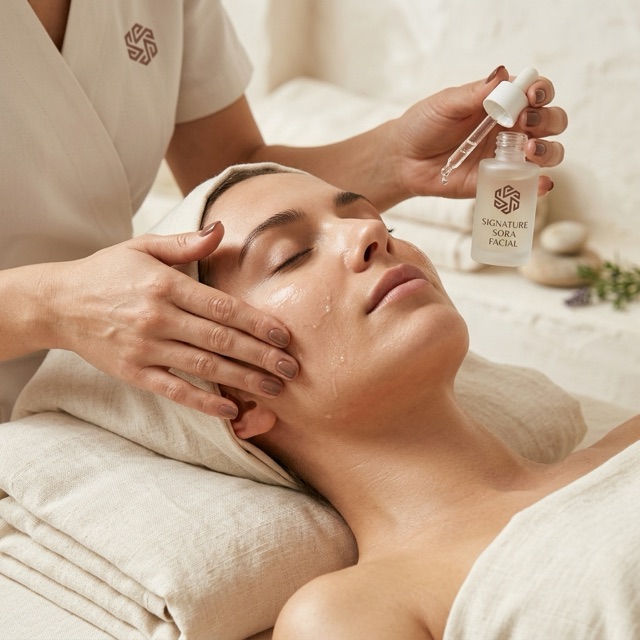
SEO, Google Business Profile and website analyticsSitebear builds pages around the treatments and locations you want to be found for, improves your Google Business Profile and shows which pages attract real interest. See where engaged visitors came from and what they did before enquiring or booking.

Enquiries
Ask the right questions before you reply.
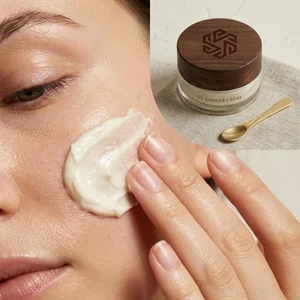
Tailored enquiry questionsBuild the form around the way you work. Ask which treatment they’re interested in, what they want help with and when they’d like to come in, so the enquiry arrives with useful information rather than a vague message.Bookings and deposits
Take deposits and protect valuable appointment time.
Booking Requests, paid bookings and availabilityUse Booking Requests when you want to review an appointment first, or let clients book fixed-price treatments and pay a deposit or the full amount through Stripe. Availability can follow the right practitioner or room, helping you reduce no-shows and keep the diary under control.See bookings and paymentsSitebear app
Know what needs your attention without checking every screen.
Phone notifications and Business BriefingsGet phone alerts for new enquiries, Booking Requests, paid bookings, changes, messages and reviews. Daily, weekly and monthly Business Briefings pull the important activity together so you can see what came in and what still needs a response.Explore Sitebear Portal Home
Home


Website upkeep
Keep the website fresh without making it another job.
Instagram and Support & UpdatesConnect Instagram so recent posts update on the website automatically. When treatments, prices, offers, opening hours or photos change, send Sitebear the update through the app and we’ll keep the website current. Sora Skin Studio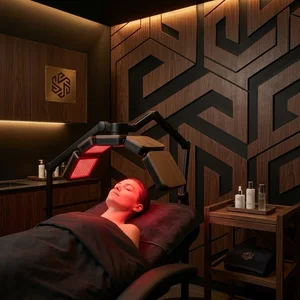
Website example
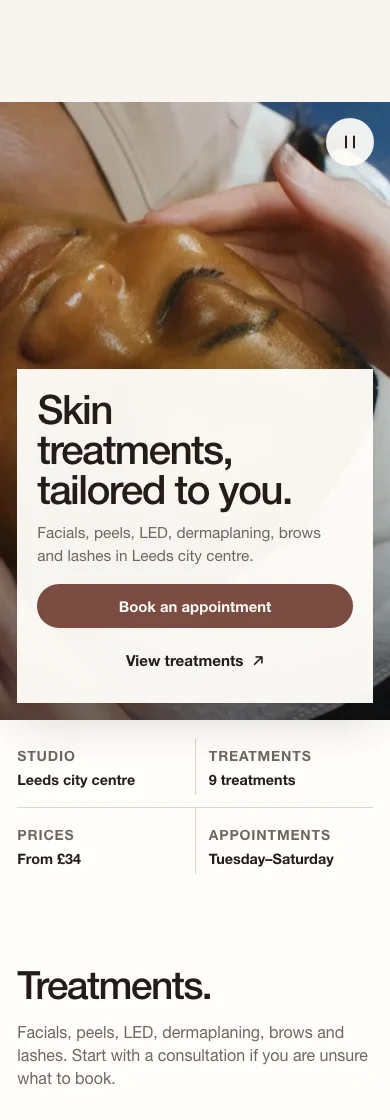
See Sora Skin Studio.
Treatments, studio details and a clear route to booking.Visit Sora Skin Studio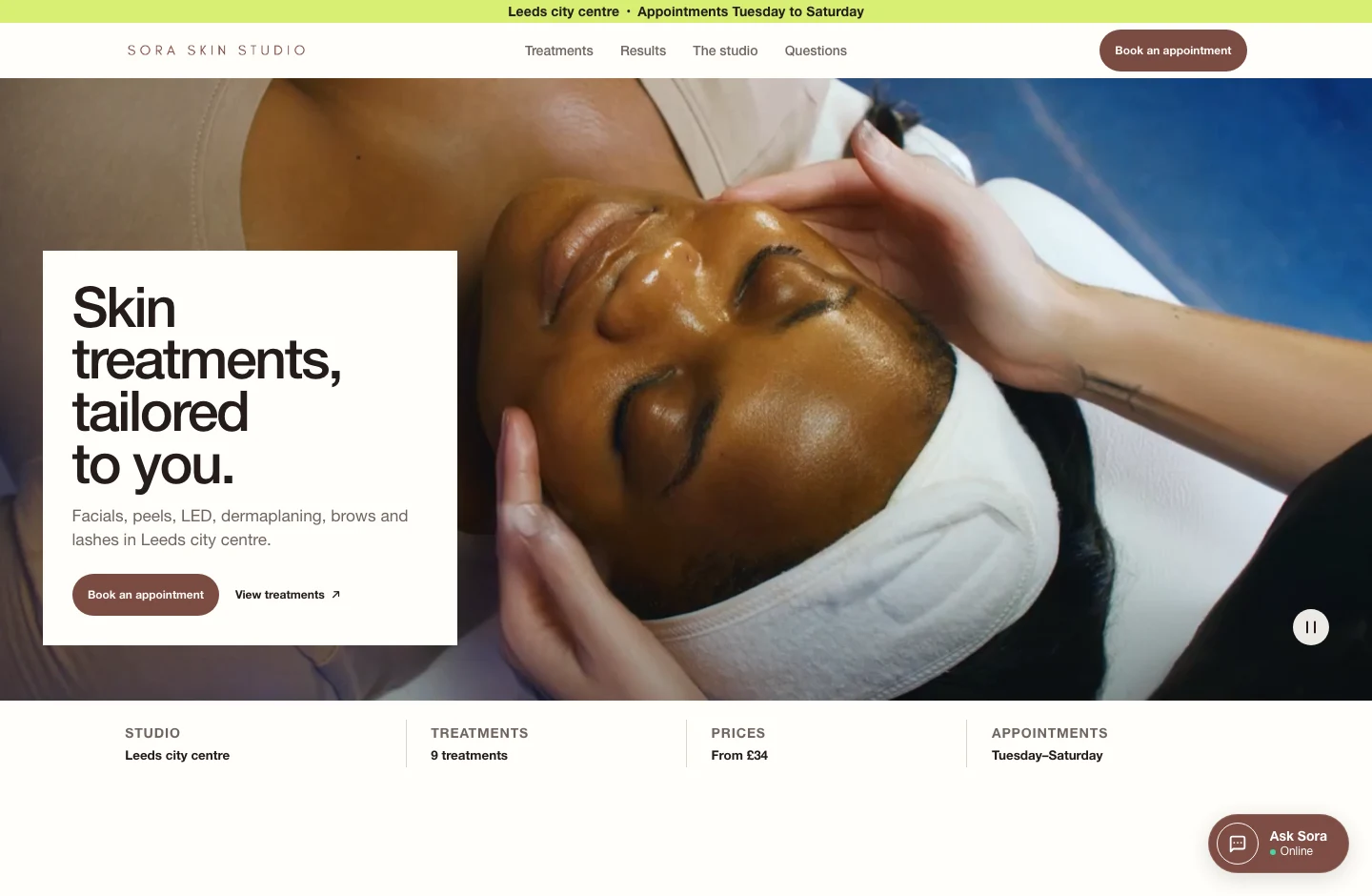
9:41
aAsora-skin-studio↻

After the appointment
Make it easy to come back.
Customer Hub gives clients a branded place to handle the practical details around an appointment and return when they’re ready. That means less back-and-forth for you and a smoother experience for them.
Explore Customer Hub
Keep appointment details easy to find.
Give clients one place to check their next appointment.
Clients can check the treatment, date, time and location, request a reschedule or cancellation, and message you if they need help.
- Check the appointment details
- Request a booking change
- Message you with a question
Turn completed visits into review requests.
Make it easy for clients to review their visit.
After the appointment, Sitebear can ask for feedback and make it easy for clients to continue to your Google review page.
- Ask for feedback after the visit
- Open your Google review page
- Share their experience on Google
Make the next visit easy to book.
Help returning clients book their next treatment.
Clients can return through Customer Hub and book again, helping you encourage repeat appointments without another round of messages.
- Return to your Customer Hub
- Choose their next treatment
- Book another appointment
Questions from skin, beauty and aesthetics businesses
Can clients pay a deposit when they book?
Yes. For fixed-price treatments, Sitebear can take a deposit or the full amount through Stripe. Sitebear doesn’t add booking commission or payment markup; Stripe fees apply.
What if I want to approve an appointment before confirming it?
Use a Booking Request when you want to review the treatment or time first. Your client sends the request and you can accept, change or decline it before the booking is confirmed.
Can different treatments use different booking options?
Yes. You can use normal enquiries, Booking Requests or paid bookings across different services, so a consultation does not need the same booking route as a fixed-price appointment.
Can availability follow particular practitioners or rooms?
Yes. Sitebear can use staff, rooms and other bookable resources so the times offered reflect who and what is actually available.
Can my Instagram posts update on the website automatically?
Yes. Connect an Instagram professional account and the website can show live or recent posts, with new posts updating the feed automatically.
Can clients request a reschedule or cancellation?
Yes. Clients can request a change through Customer Hub. You review the request before the confirmed booking changes.
Which Sitebear package suits a treatment business?
Sitebear Website gives you the managed website, enquiries, app, phone notifications, SEO, analytics, Business Briefings and ongoing updates. Growth adds Booking Requests and Customer Hub. Growth Pro adds paid bookings and deposits. See Pricing for the full comparison.
Sitebear for skin, beauty and aesthetics
Turn more treatment interest into booked appointments.
Tell us what you offer, how clients book today and where you want the business to grow. We’ll recommend the right Sitebear setup and show you how the website, app and booking tools can work around your treatments.Built and managed by Sitebear.

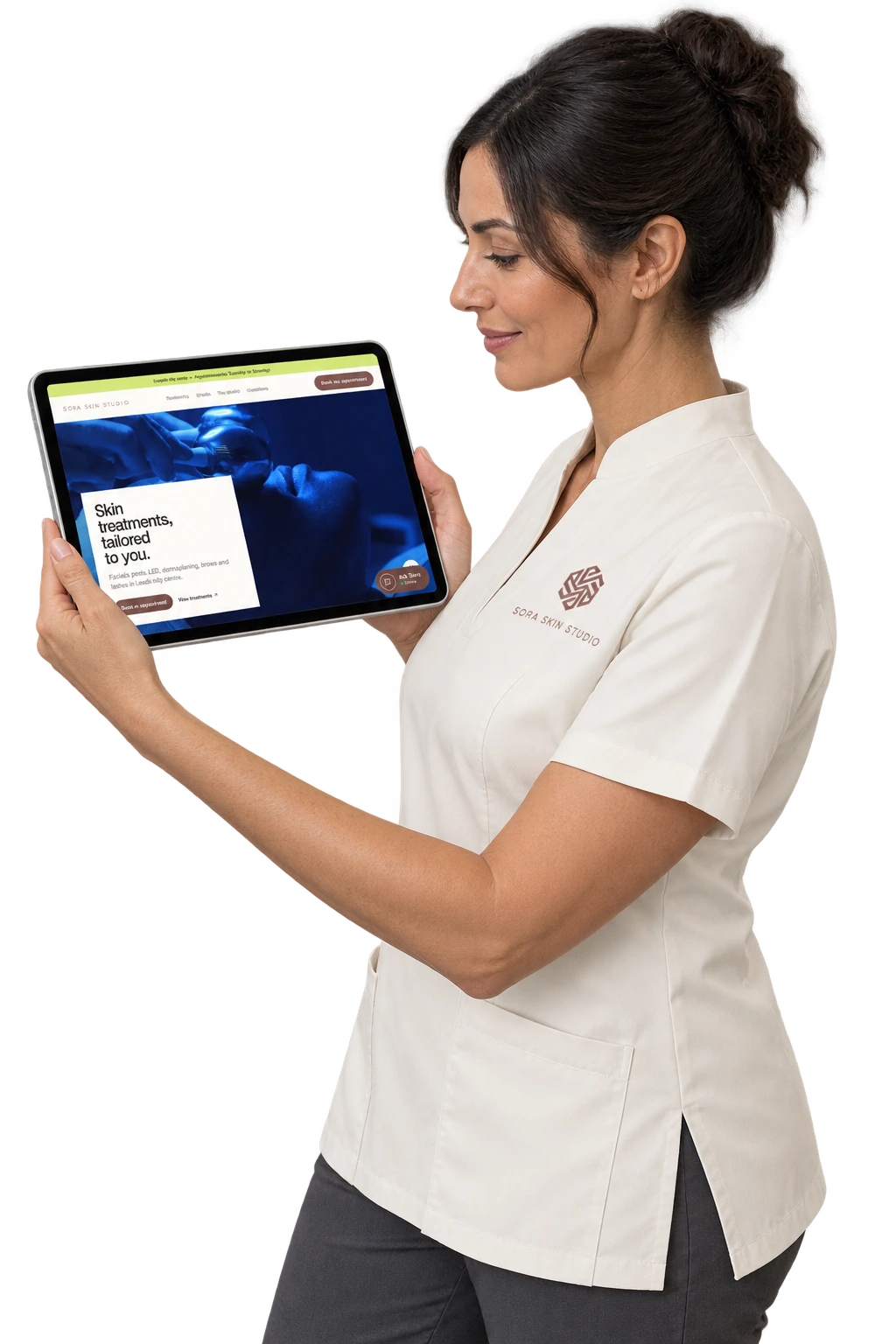



- Treatment found Service understood
- Booking Request You review
- Deposit paid Booking recorded
- Treatment done Rebook online