





Local visibility
Sitebear for heating and plumbing
Win more local heating and plumbing work.
Sitebear builds and manages your website, helps you rank higher locally and sends new enquiries to the app on your phone. Take Booking Requests, send quotes and invoices, get paid and keep customers informed without stitching together separate tools.
Built for the work you actually do
Repairs, services and installations don’t start the same way.
Sitebear can give each type of job the right first step, so customers know what to do and you get the information you need.
Make it easy to get in touch.
Help customers tell you what needs repairing.
Make the phone and enquiry route easy to find, and ask the questions that help you understand the problem before you call back.
- Ask about the fault and urgency
- Collect property and access details
- Get a new enquiry alert
Let customers request a time online.
Let customers request a service time for you to review.
Customers can request a boiler service or planned visit at a preferred time, then you decide what gets confirmed.
- Choose a service and time
- Review the Booking Request
- Accept, change or decline it
Get the details before you quote.
Understand the installation before pricing the work.
Start with a useful enquiry, then move the job into a branded quote, invoice and payment once you know the scope.
- Collect the job details first
- Send an itemised quote
- Invoice and take payment
Bring in better work
Win more local jobs and spend less time chasing.
A strong trade website should bring in work and make that work easier to deal with. Sitebear does both.
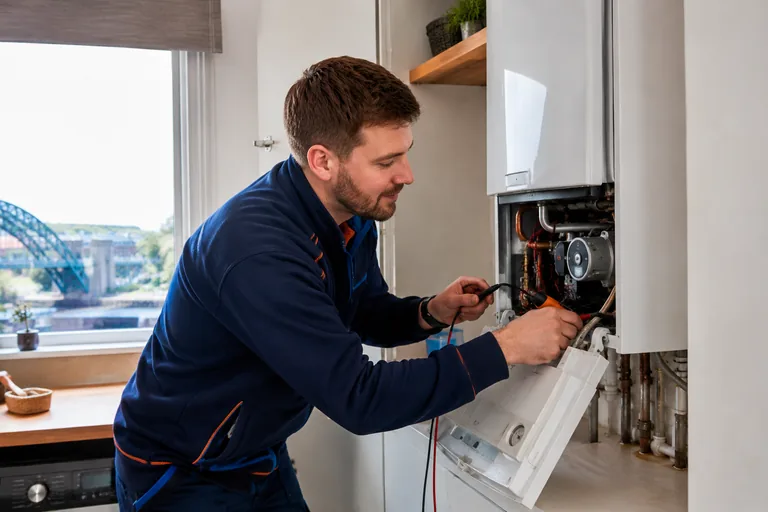
Tailored enquiries
Know what the customer needs before you call back.
Ask about the job, urgency, property and access details so the enquiry arrives with useful information. The Sitebear app notifies you when it lands, so you can respond while you’re out working.
Booking Requests
Take booking requests without losing control of the diary.
Customers choose a service and preferred time. You accept, change or decline the request, while two-way Google Calendar sync helps keep confirmed work and availability aligned.See bookings and payments
Quotes, invoices and Customer Hub
Get quote decisions sooner and get paid faster.
Send branded, itemised quotes and invoices from Sitebear Portal. Customers can accept quotes, pay online, use bank-transfer details or pay in person through Customer Hub, so there’s less paperwork and chasing.See quotes and invoices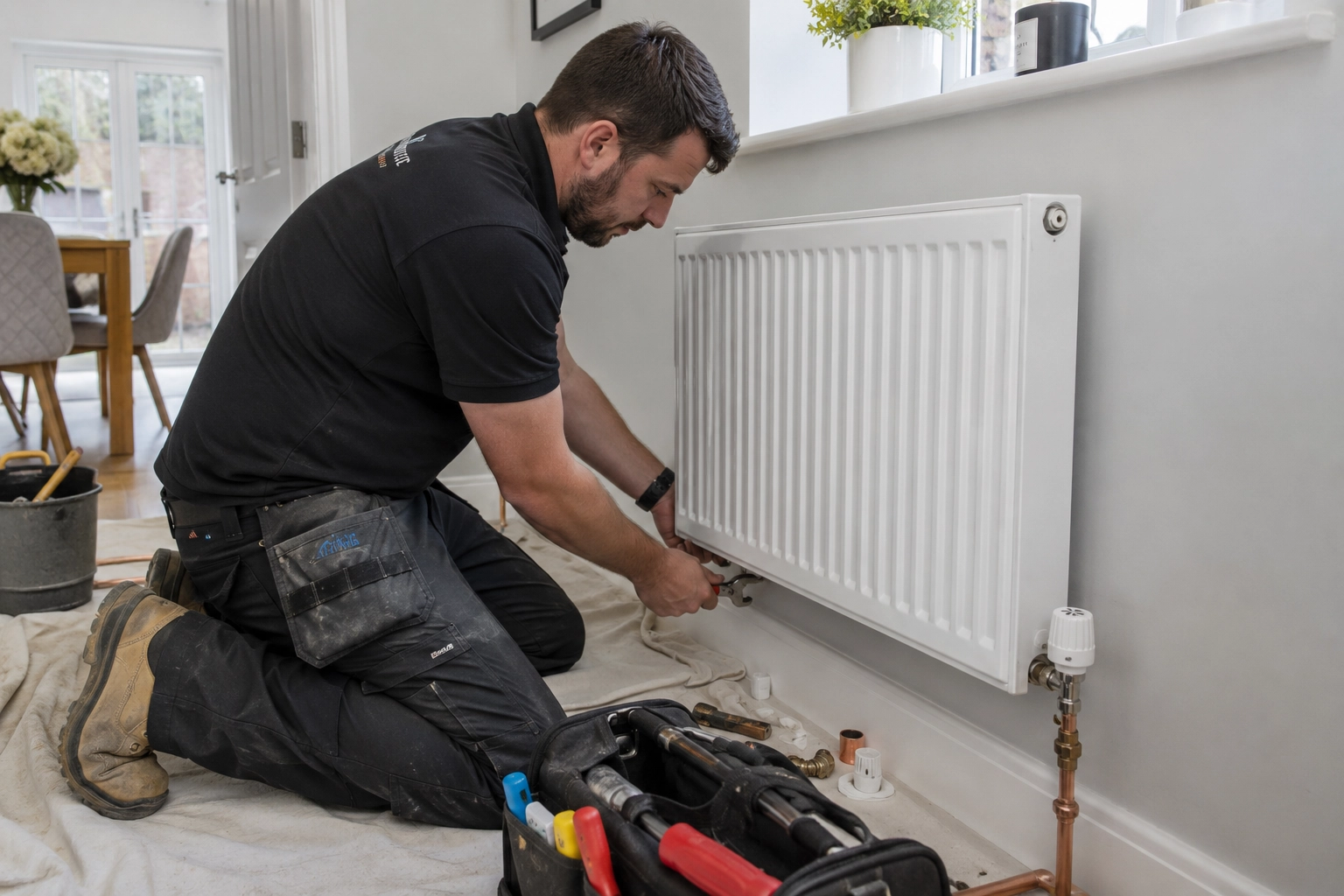
Quote & Book
Qualify suitable jobs before you spend time quoting.
For suitable repairs and maintenance, customers describe the job, upload photos and answer the questions that affect the price. Quote & Book uses your rates to give an initial labour estimate in around a minute, then sends a Booking Request for you to review.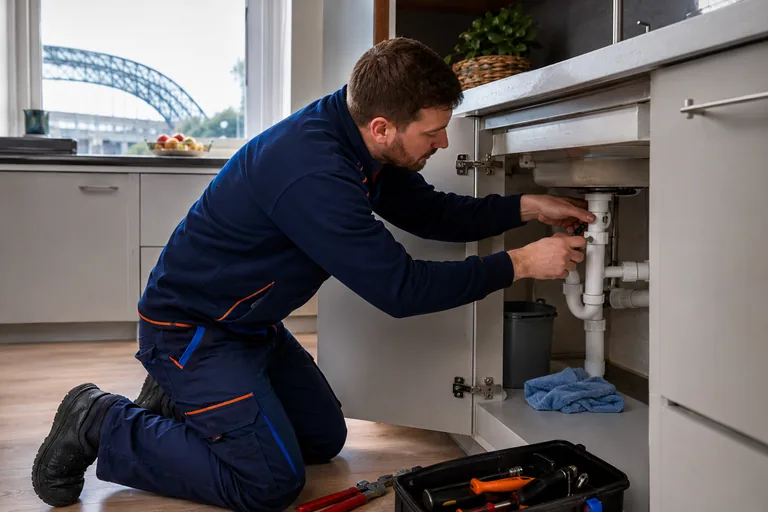
Website example
See Armitage.
Armitage shows how a heating and plumbing website can separate urgent repairs from planned servicing and larger installation work, while keeping each customer moving towards the right next step.Visit Armitage Heating & Plumbing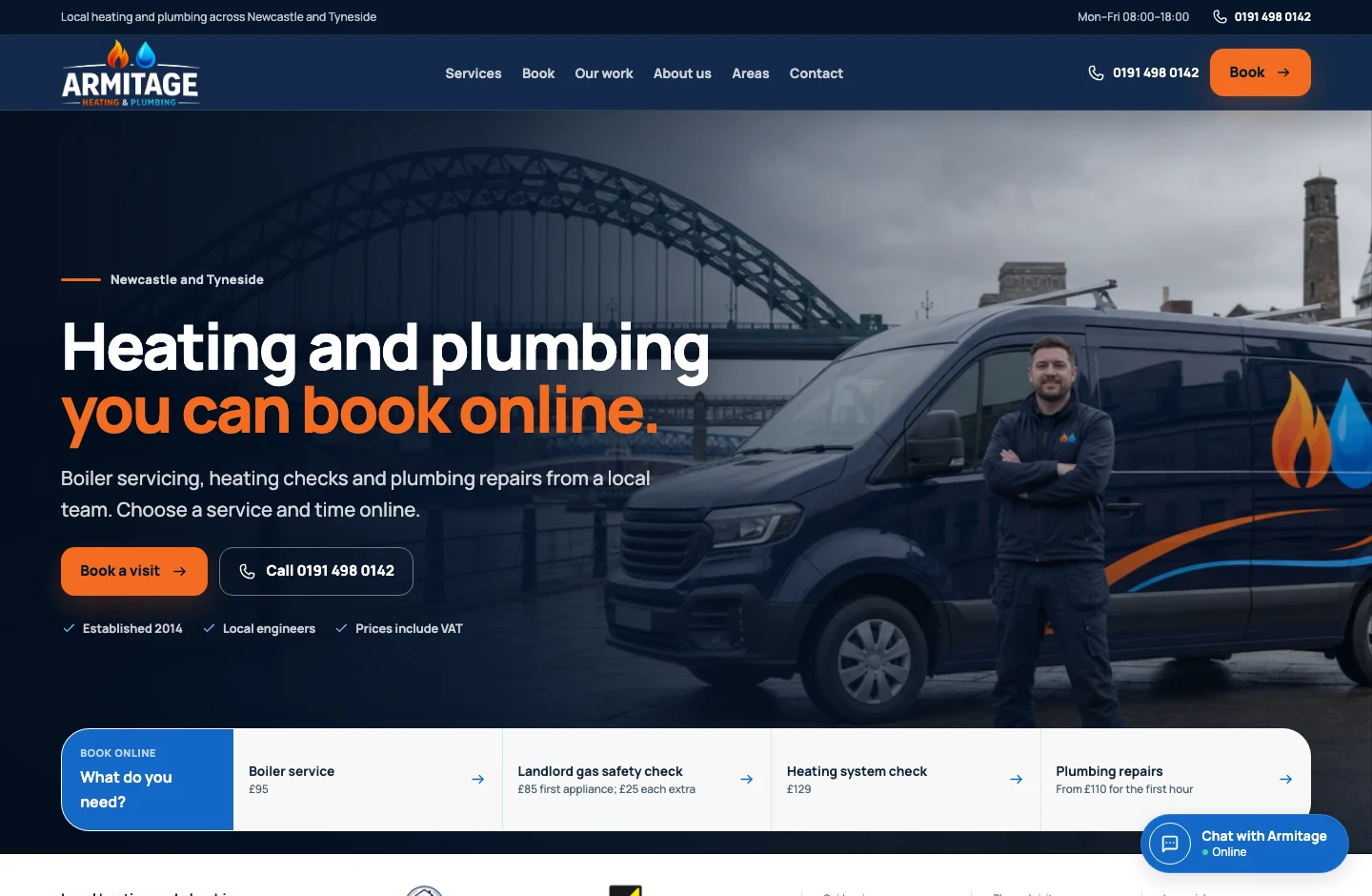
9:41


aAarmitage-heating-plumbing↻
 Briefings


App

Stay on top of the work from your phone.
Keep the next steps together after the enquiry.
Start the day with a quick summary of new enquiries, bookings, quote decisions, payments and anything that still needs attention. Weekly and monthly briefings show the bigger picture.
Questions from heating and plumbing businesses
Do I have to offer online booking?
No. You can use a fast phone or enquiry route for urgent work and Booking Requests only for the services where they make sense.
Is a Booking Request automatically confirmed?
No. The customer requests a service and preferred time, then you accept, change or decline it before it becomes confirmed.
Can customers send photos of a job?
Yes. Customer Hub messages can include images and documents once you’re dealing with the customer. Quote & Book can also collect job photos as part of its guided estimate.
Can I take deposits or full payment?
Yes. Sitebear can take a deposit or full payment for eligible fixed-price bookings through Stripe, and customers can pay eligible quotes and invoices online. Stripe fees apply.
Does Sitebear connect to Google Calendar?
Yes. Two-way Google Calendar sync can keep Sitebear bookings, availability and your existing calendar commitments aligned.
Does Quote & Book replace my final quote?
No. It gives an initial labour estimate based on your rates and pricing rules, then you review the Booking Request. A formal quote can follow once you’re happy with the scope.
Which Sitebear package suits a heating and plumbing business?
Sitebear Website covers the managed website, enquiries, app, SEO, analytics, Business Briefings, support and updates. Growth adds Booking Requests, Customer Hub, quotes and invoices. Growth Pro adds paid bookings, full Customer history and the AI Chatbot. See Pricing for the full comparison.
Who updates the website after launch?
Sitebear does. Unlimited standard website updates cover normal changes such as wording, photos, services, prices, offers, service areas and opening hours.
Sitebear for heating and plumbing
Build a website that brings in better local work.
Tell us about the repairs, servicing and installations you want more of, and how you want customers to enquire, book or pay. We’ll recommend the right Sitebear setup and explain the next steps.Built and managed by Sitebear.



- Service found Enquiry received
- Time requested Ready to approve
- Quote sent Quote accepted
- Invoice sent Payment received